
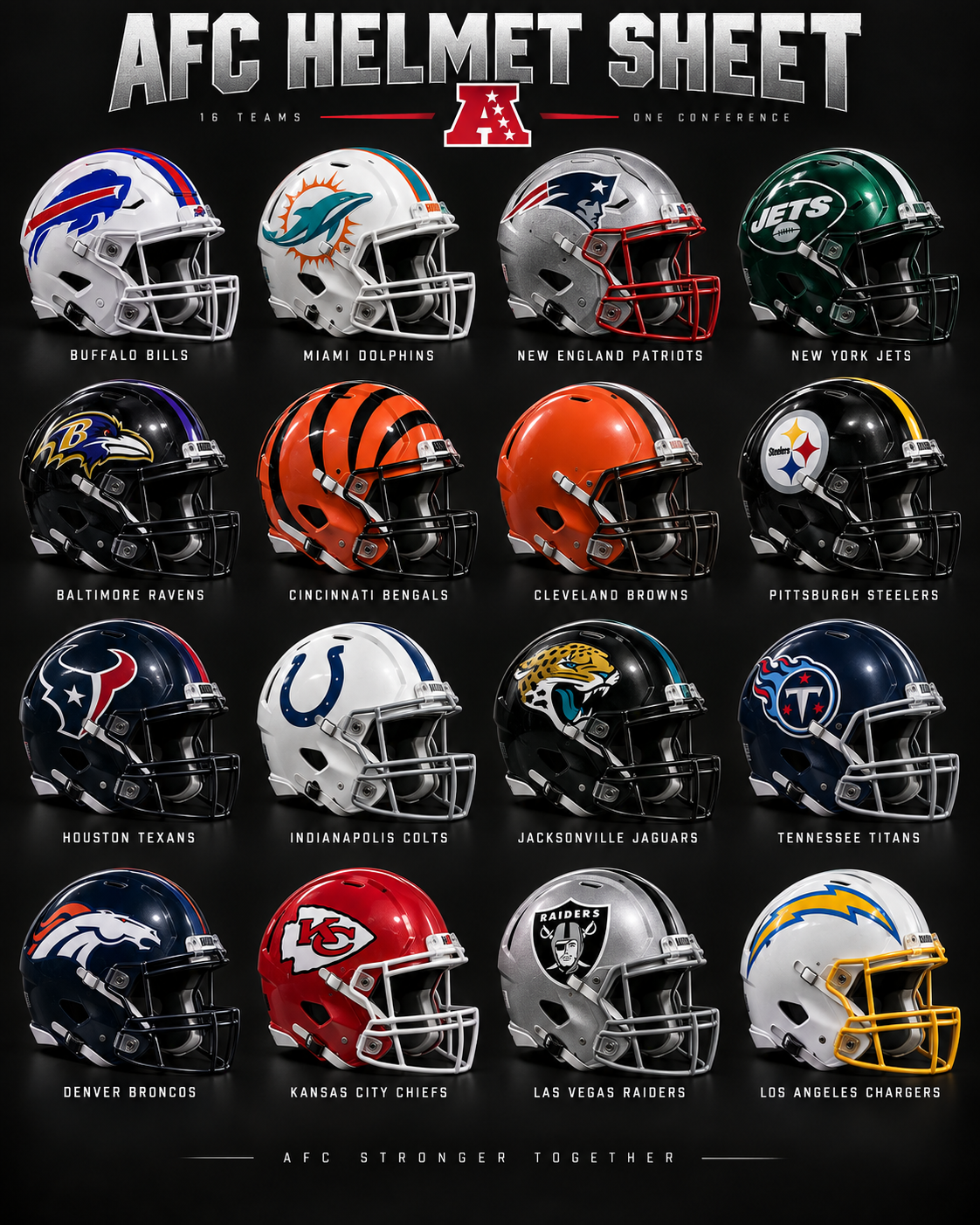
 AFC sheet
WHAT’S NEW · LIVE 3.20
Custom shirts. Studio-built graphics. Ready to wear.
FEATURED SHIRT
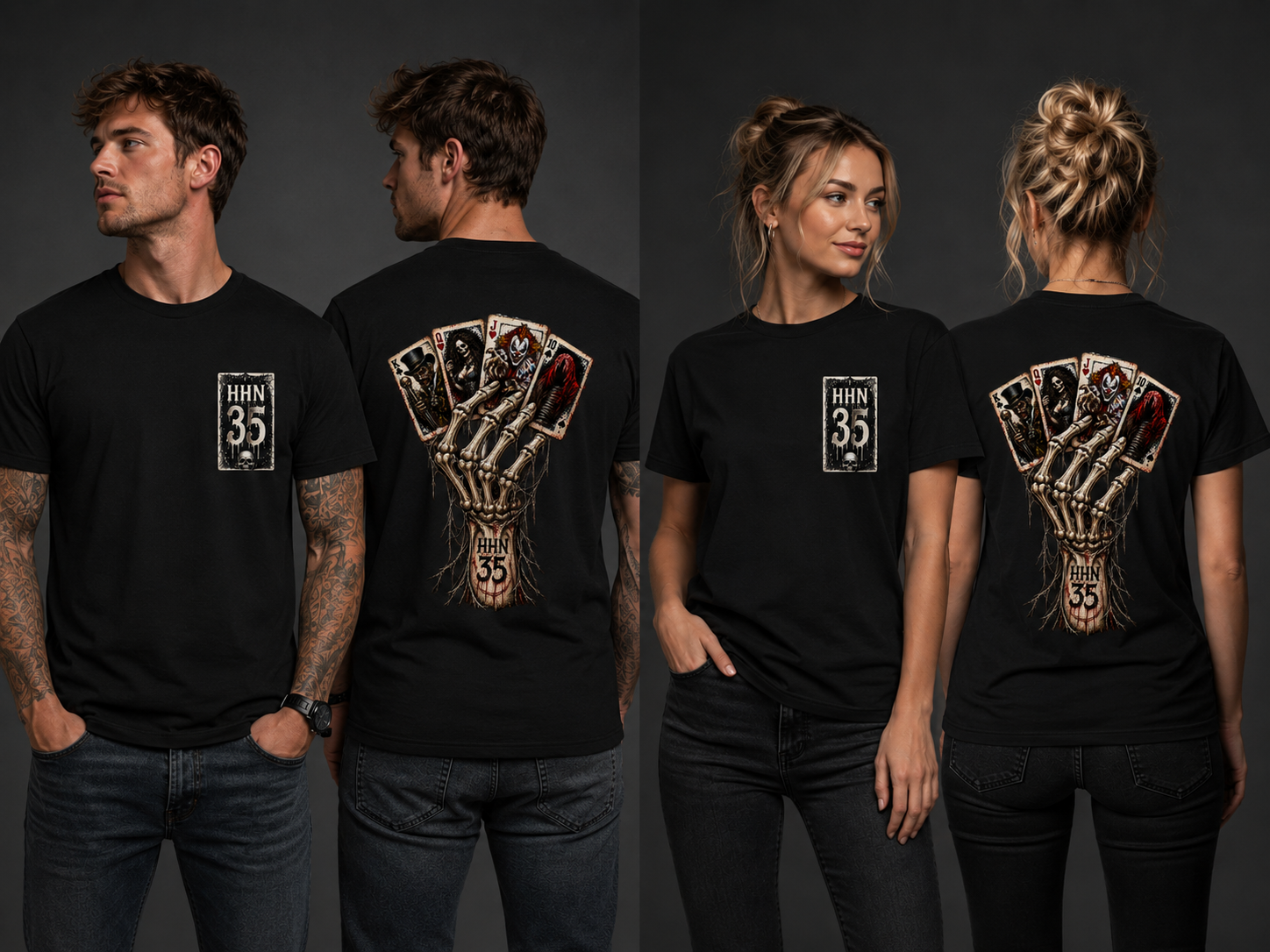
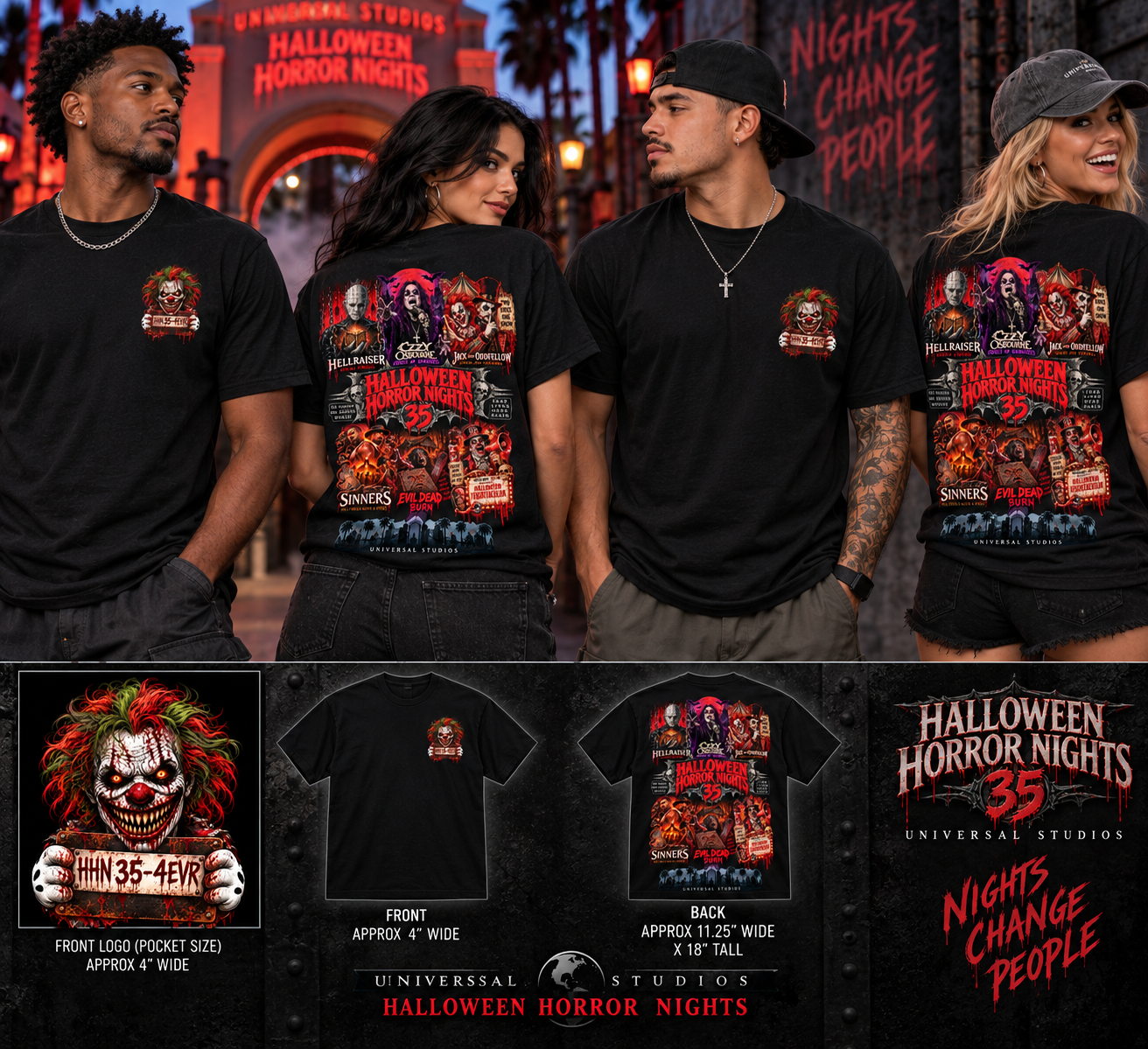
HHN 35
ABOUT THE SHOP
One pair of hands. A lot of shirts.
Rotor Heads is a small design-and-print studio. Ideas come in from the phone studio. Art gets locked here. Then it hits a Gildan blank on the press and goes out the door.
This site is the front of that shop. The public page shows the kind of graphics we actually print — team fan shirts, one-off custom jobs, and whatever lands in the queue next. If you want a shirt of your own, you step from this page into the private Design Studio, leave the job, and production picks it up.
No catalog maze. No mystery factory. Just the work, a way to reach the shop, and a login when you’re ready to start one.
SET
Team Fan Shirts
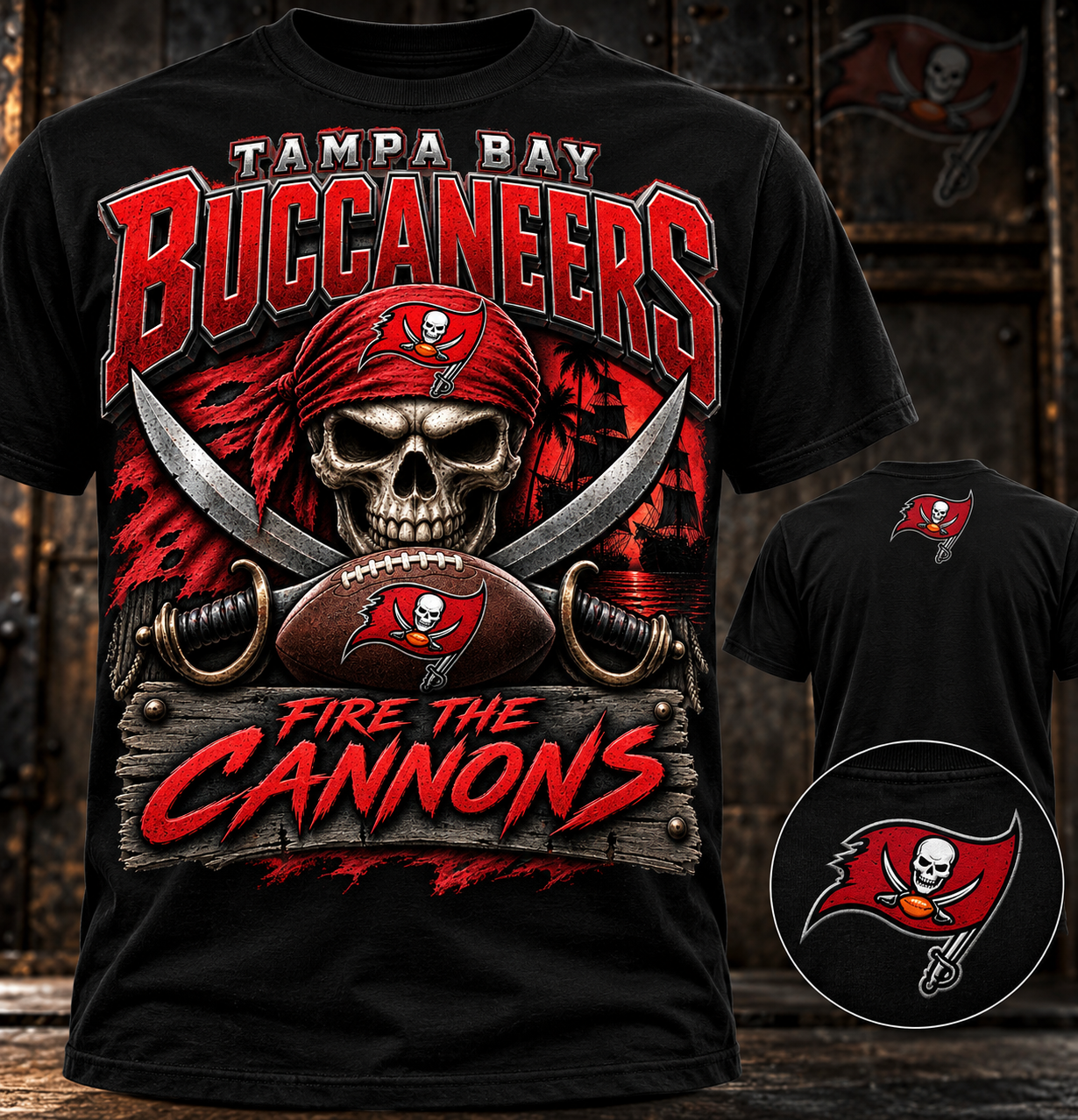
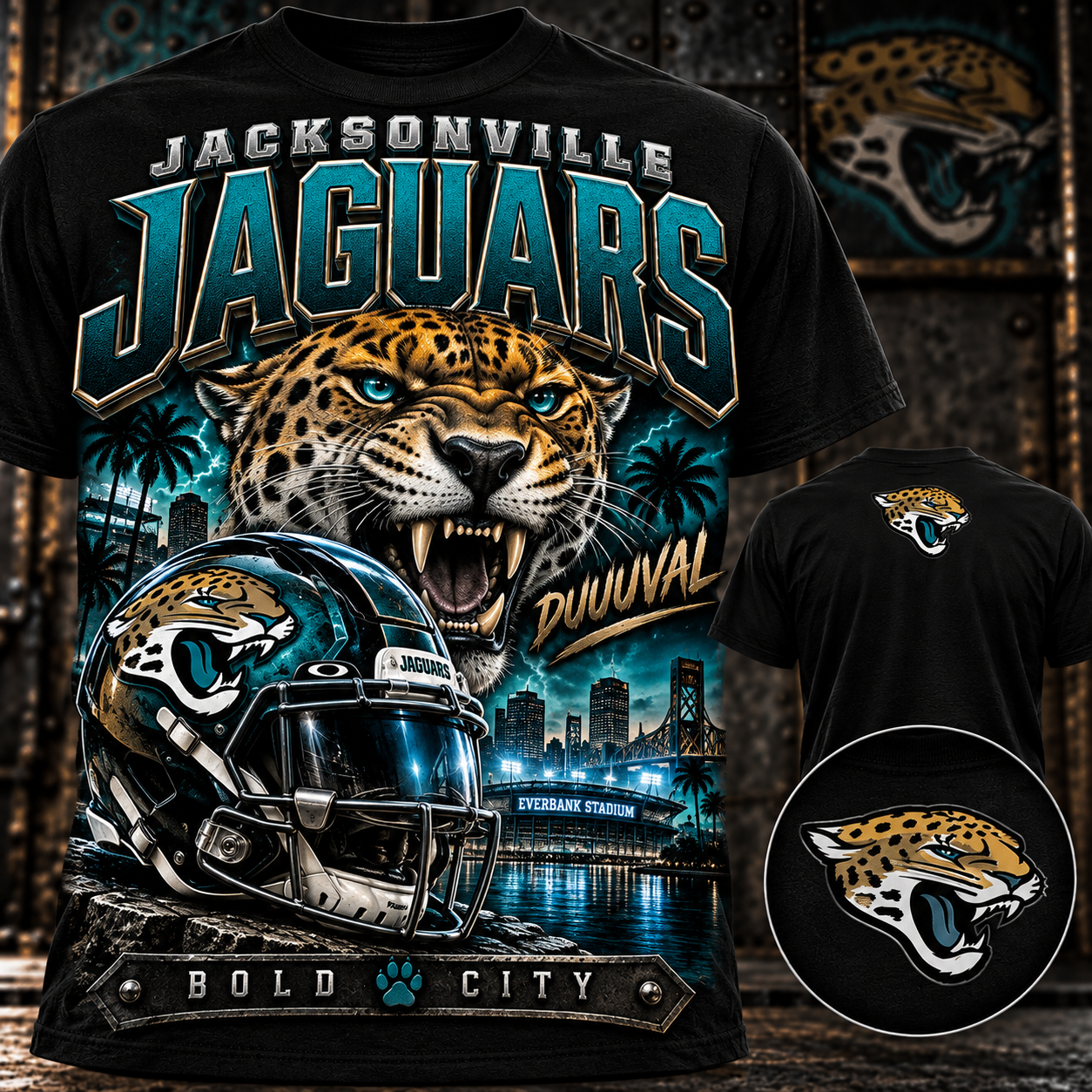
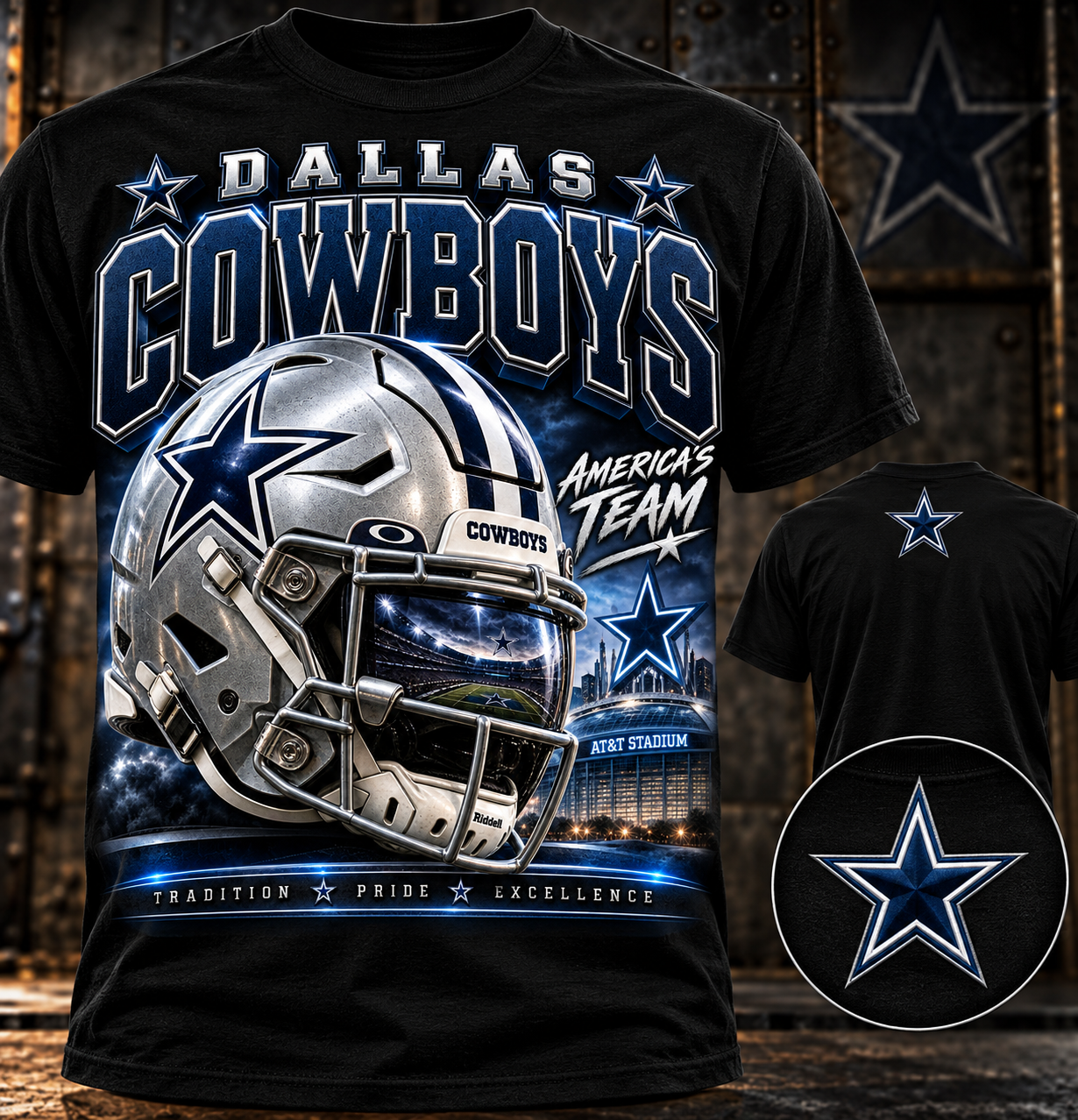
Hover a shirt for the back print. Click any image and all six pieces in this set open together.
AFC sheet
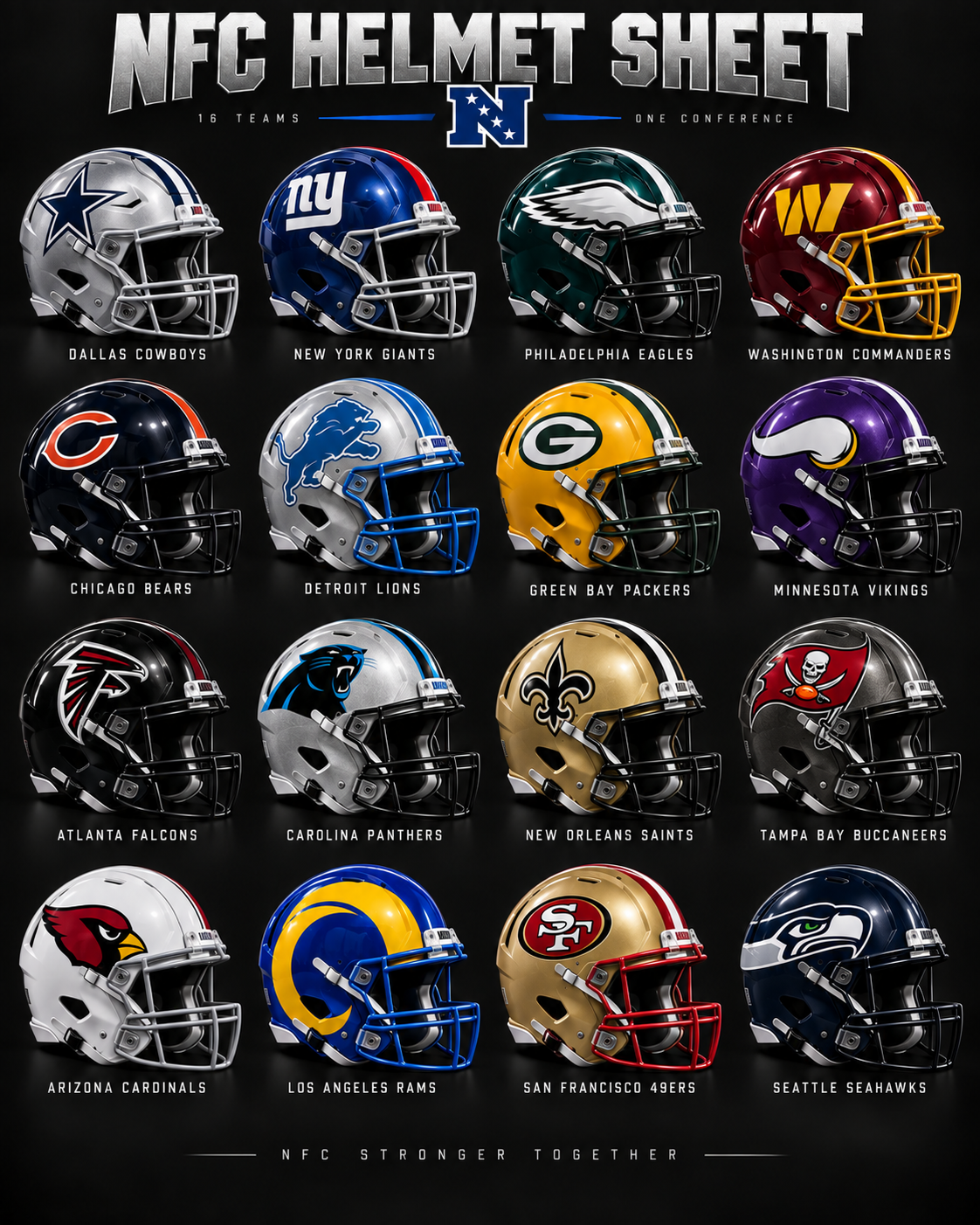 NFC sheet
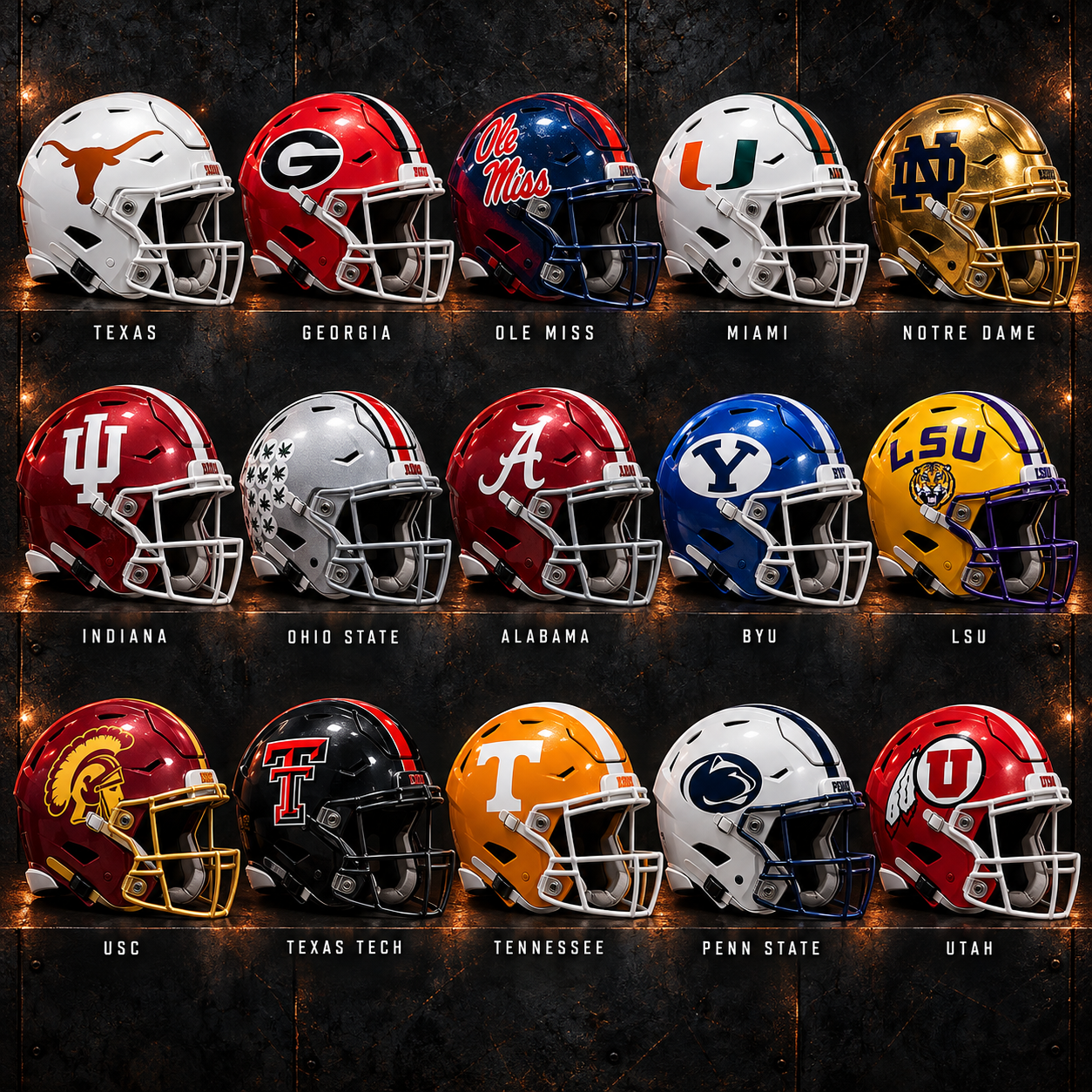 College sheet
 Front
Front
 Front
Front
 Front
Front
Print size and placement may vary depending on shirt size.
SET
Custom Shirt Design
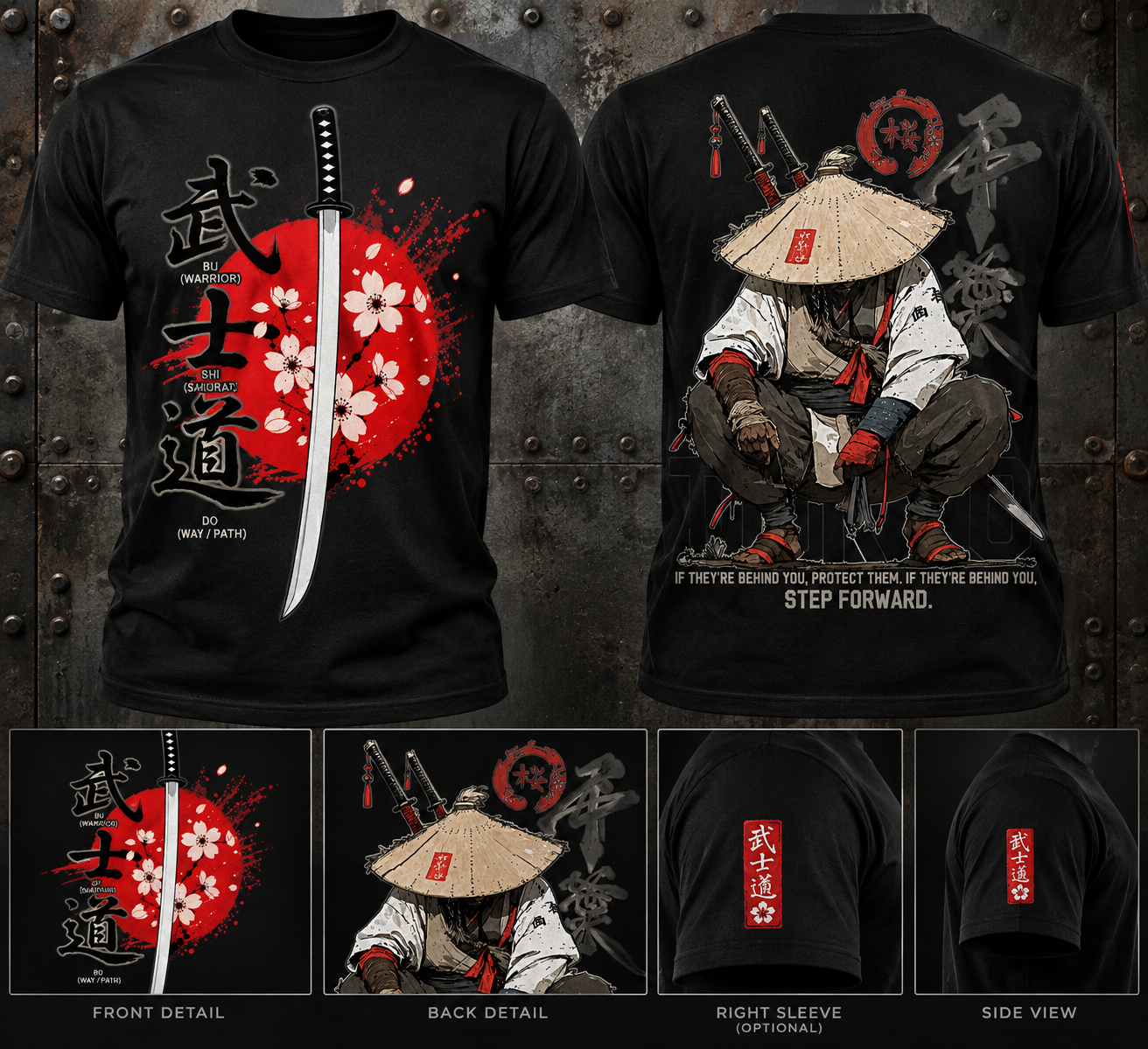
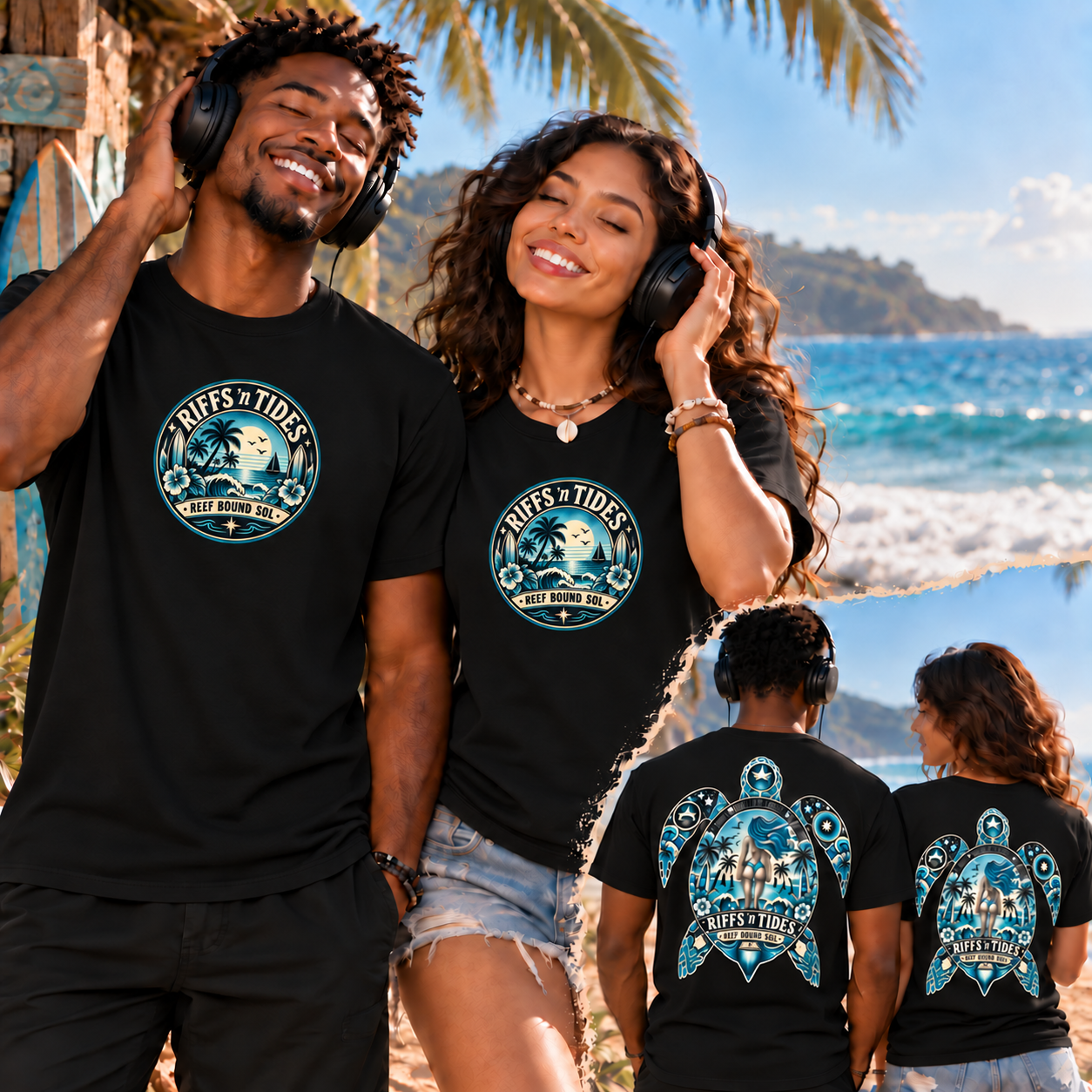
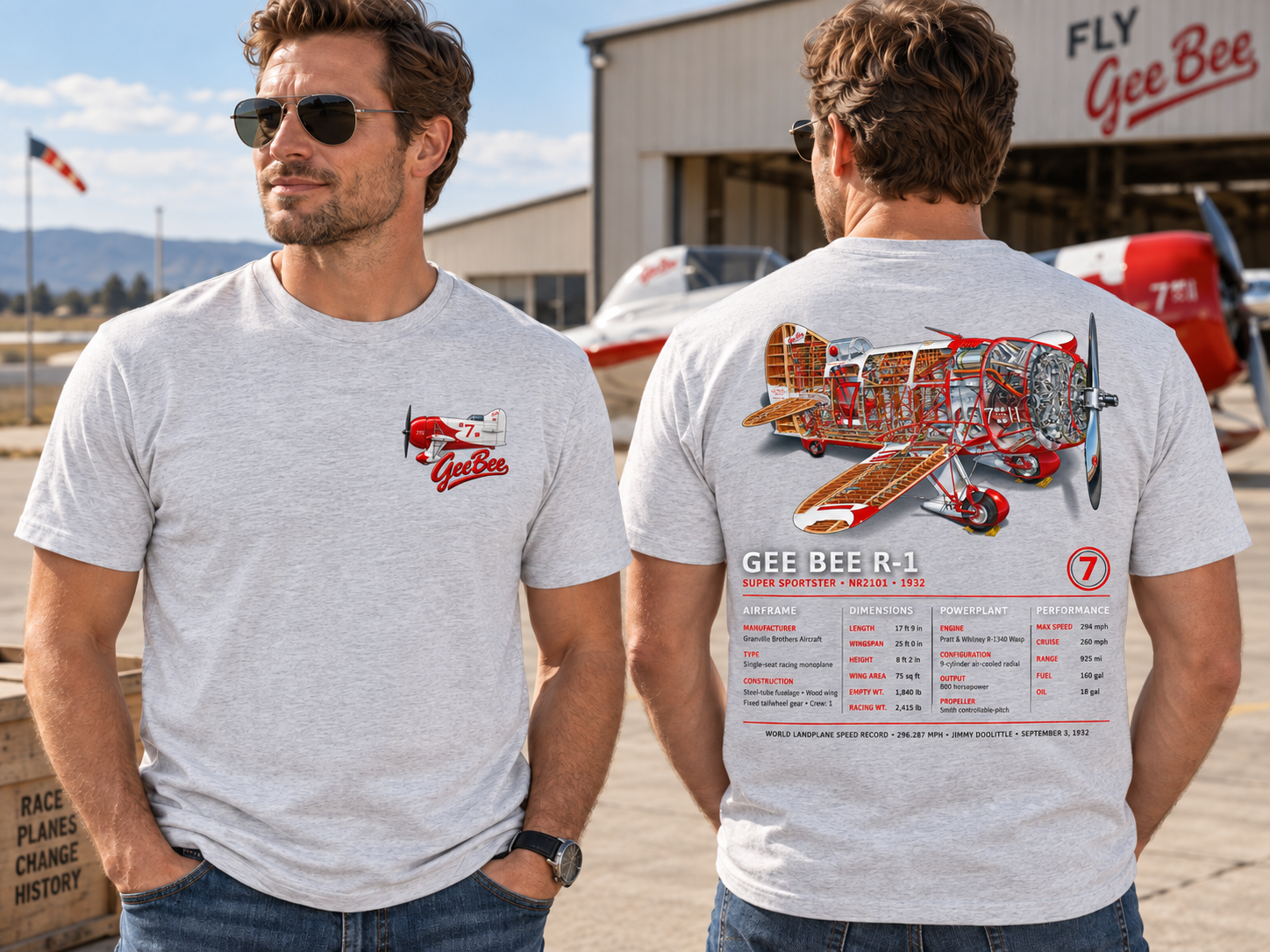
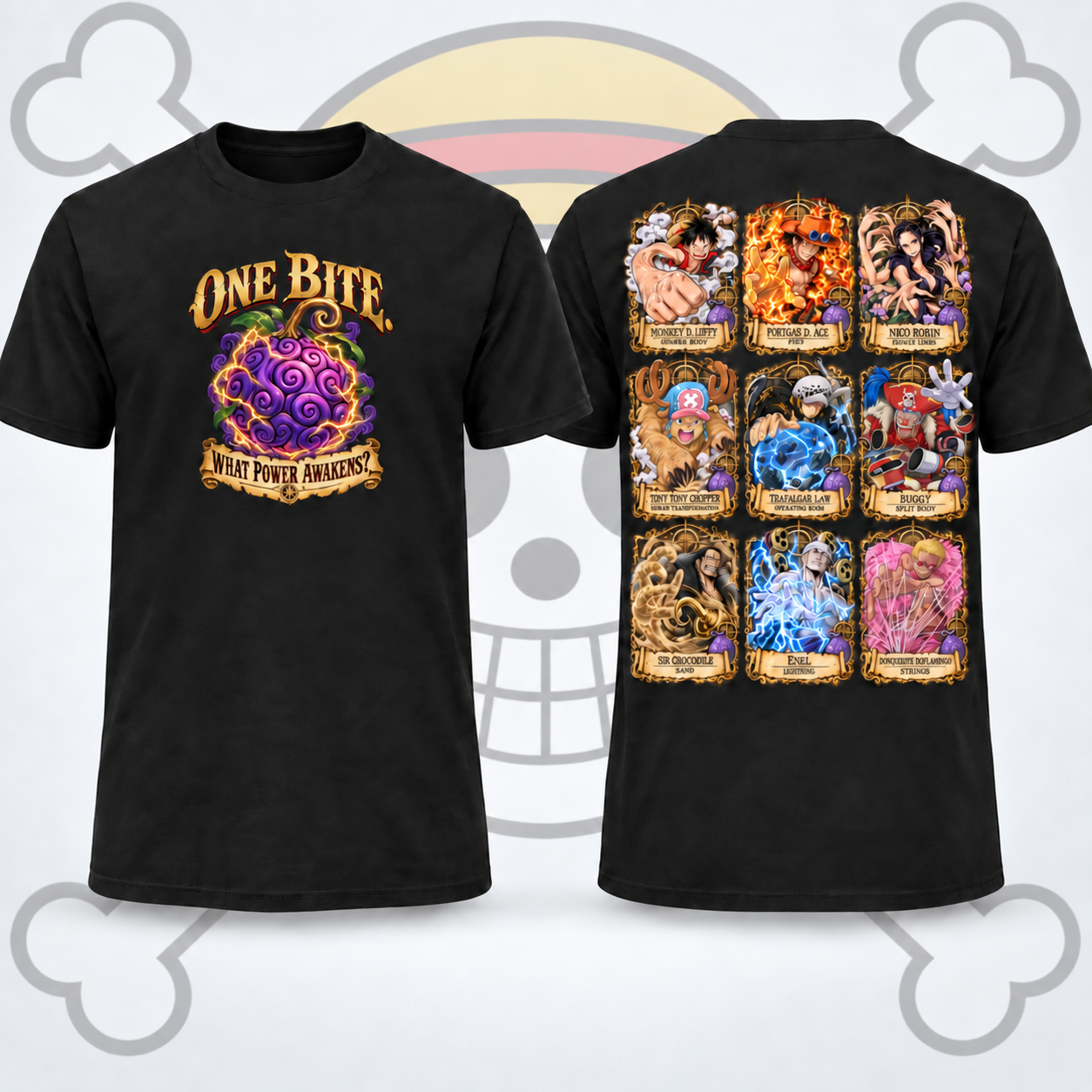
One-off jobs — hover for the back or a closer crop, click for the detail view.
 Front
Front
 Front
Front
 Front
Front
 Front
Front
 Front
Front
 Front
Front
Print size and placement may vary depending on shirt size.
THE LOOK
The kind of graphics we put on shirts
Team fan
Full-front stacks, back mark, and a small badge — the Team Fan Shirts set is the first public example.
Character & mascot
Locked faces and reusable crew when a job calls for shop characters.
Anime / pop
One-off heroes and clean prints that hold up on a black Gildan.
Blank color
Six colors we keep on the shelf. Other colors are available — blanks may need to be ordered.
Black · White · Navy · Red · Royal Blue · Sport Grey
One-off ideas
Text a concept from the phone studio. We turn it into print-ready art and send it to production.
Front
IN THE WILD
Customers wearing the work
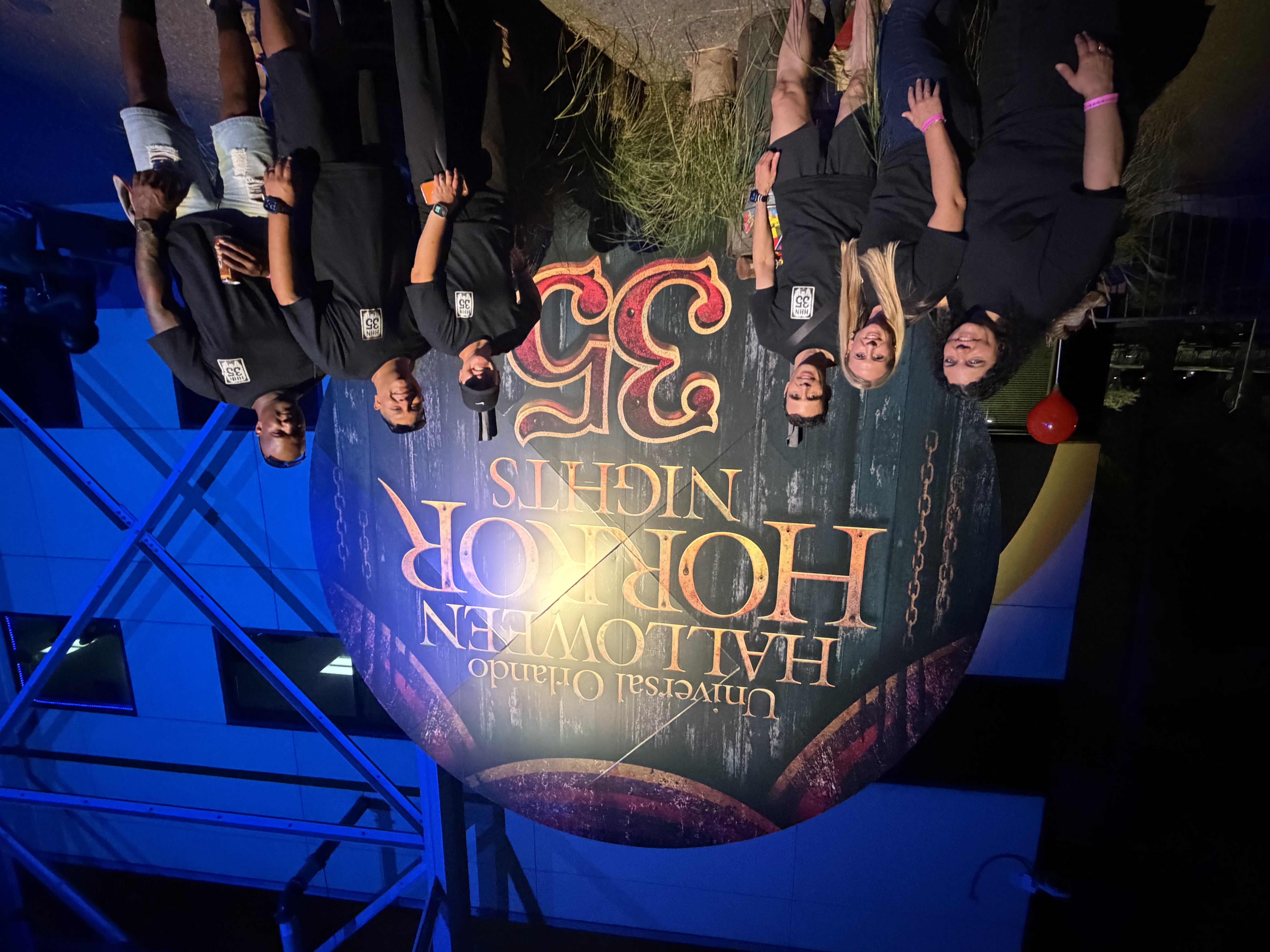
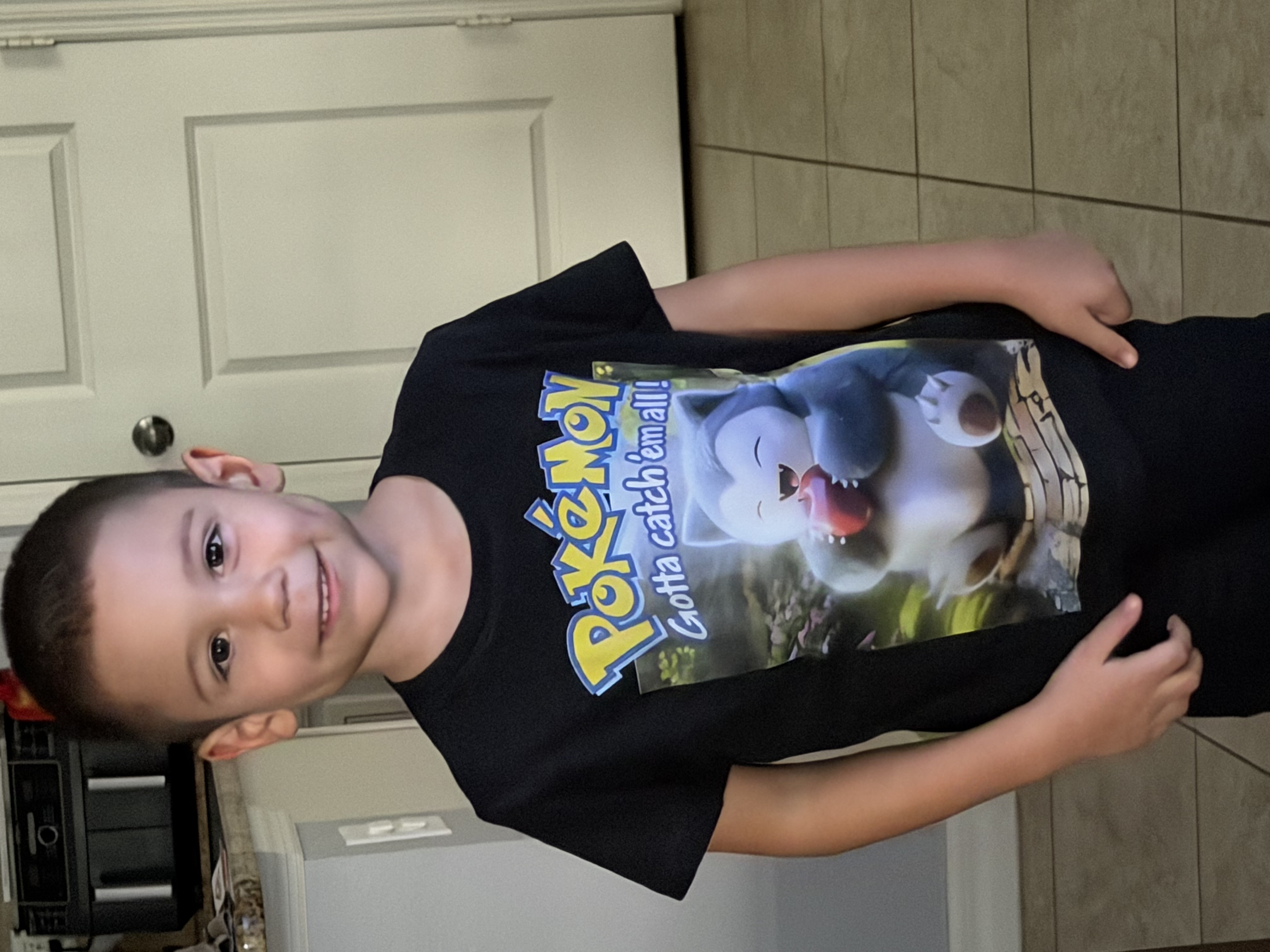
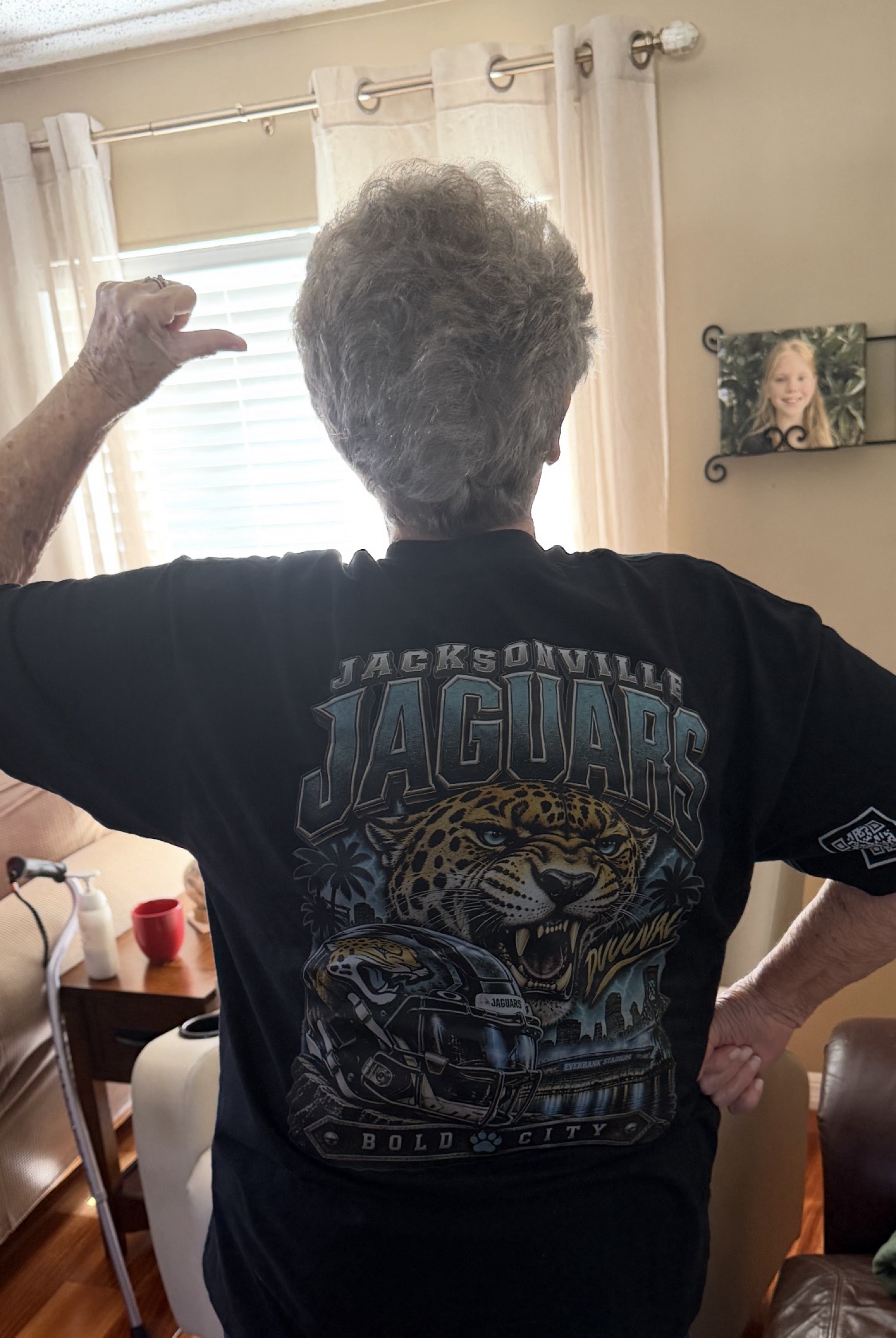
Click any photo to open the large viewer.


REVIEWS
What they said after they wore it
Latest three stay on the page. A new review becomes #1; #3 moves to the archive.
★★★★★
I look forward to your feedback and Thank You for your business and support. Sincerely, Charlie - admin@rotorheads.net
Admin@rotorheads
★★★★★
Showed up at HHN in the card-hand shirts and people kept stopping us for photos. Print held up all night.
HHN 35 group · Orlando
★★★★★
Sent a rough idea on my phone. Got a custom back and a clean chest mark. Kid will not take the Snorlax shirt off.
Custom Pokémon order
REACH THE SHOP
Talk to Rotor Heads
Text works better for me. Put your ideas down and any examples. Send it to me via message, and then I will call you back to work through it.
Email studio@rotorheads.net
Phone 321-430-3699
Text works better for me.
NEXT STEP
Already have an idea?
Enter the private Design Studio with your email and PIN.
Continue to login