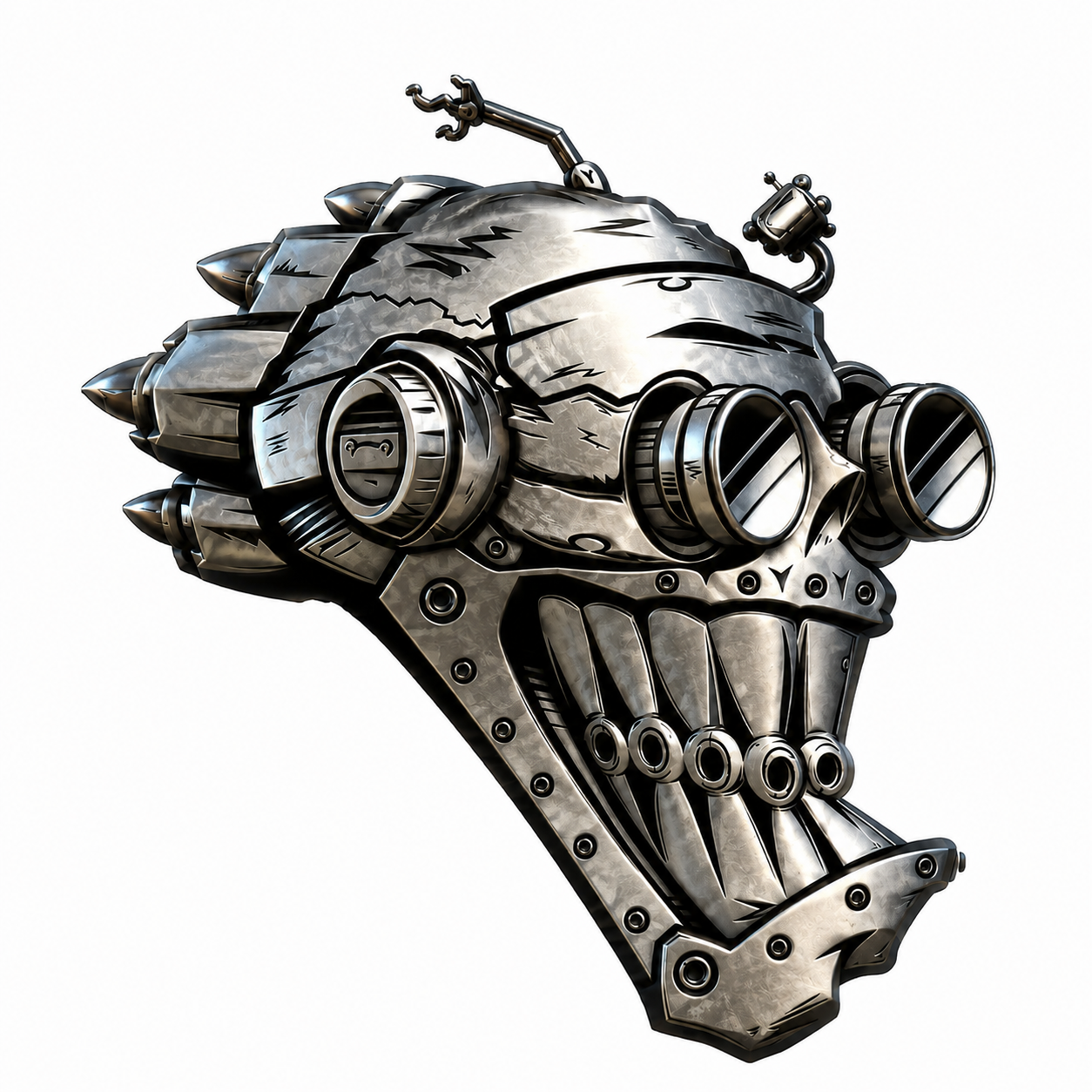
Stage 1 — Prepare Your Graphic
Upload, inspect, crop, rotate, clean and approve the artwork first. No garment choices are needed in this stage.
EDGECAUTIONSAFE
My Graphics
Your approved artwork library. Select an image here or from Stage 2 when you are ready to place it on a product.

MASTER REGISTRATION
Open GRAPHICS to choose artwork
SIZE
100%
ROTATE
GARMENT REGISTRATION
Adjust this garment until the collar/body center line up with the master crosshair. Saved values apply only to this product/color/view.
ROTOR HEADS DESIGN STUDIO
PRODUCTION SHEET
ORDER #
CUSTOMER
EMAIL
GARMENT / PRODUCT
STATUSAWAITING APPROVAL
FRONT
—
—
FRONT
BACK
—
—
BACK
ADDITIONAL VIEWS
T-ShirtBlack
SCALE REFERENCE (INCHES)
05101520
FRONT GRAPHIC WIDTH—
BACK GRAPHIC WIDTH—